
By Martin Jansen, Owner of Jansen-PCINFO
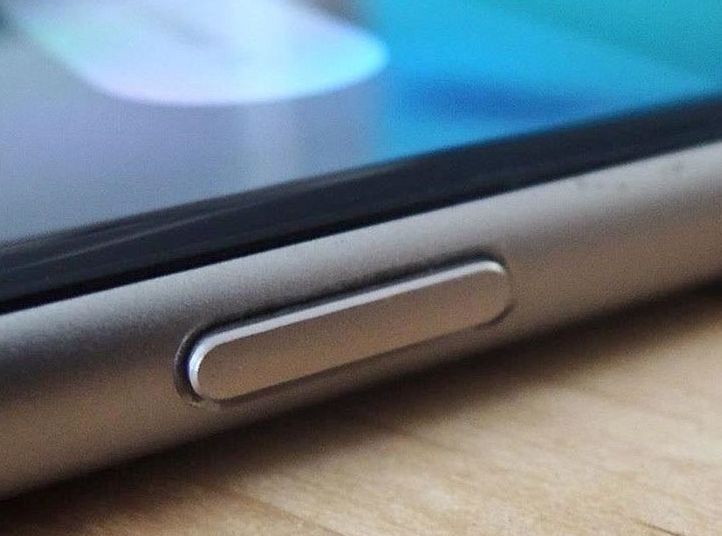
Newer Android phone owners have been automatically upgraded to Android 15. As part of the upgrade, Gemini, Google’s AI, was made a big part of the operating system. So big that Google decided to replace the power button, which normally allows the owner to power off their phone, with a shortcut to start the AI.
So, in a way, Gemini has taken over the phone, leaving the owner POWERless to turn off their phone as they wish.
Fortunately, there are ways to remove AI control of the power button and give “power back to the people.”
Steps for Motorola phones:
- Go into your Settings.
- Type “Power” into Search settings
- Find Power Menu and open that setting
- Instead of Digital Assistant. select Power Menu.
- Backup through the menus and close settings.
Steps for Samsung Phones:
- Go into your Settings
- Type “Side button” into Search settings
- Find Long press
- Instead of Digital Assistant. select Power Menu.
- Backup through the menus and close settings.
Other Android phones may have different menus, but the idea is to substitute the Digital Assistant with the Power Menu.
There you have it, power (to turn off their phones) is now back to the people.
Thanks, Martin. This had been a very annoying change that they had slipped in.
Second Comment: On my phone, I had to enter “Long Press” into the Settings search bar to reach the Advanced Settings where the Side Button settings were found.
Thanks, Martin!